Let’s face it: Most ecommerce brands are still using AI like it’s a fancy search engine. Asking LLMs to write product descriptions or do competitor research.
It’s a good starting place, but if you want to use artificial intelligence to the fullest, it’s time to start using it for automations. These are workflows that replace hours of manual analysis, guesswork, and slow decision-making with fast action.
This post explores 10 AI automation workflows ecommerce teams can put to work today, along with plug-and-play prompts you can drop straight into an LLM.
Plus, you'll learn how a few leading ecommerce brands are already successfully using AI to automate key business processes.
Key Takeaways
AI automation helps ecommerce brands build workflows that handle data-heavy analysis and repetitive tasks, allowing them to focus more on scaling.
AI workflows are only as smart as the information it can access. Feed it a single source of truth and clear business context.
Triple Whale is an AI operating system with real-time data from your entire business, so you can build AI workflows that are truly connected to your goals.
What ecommerce tasks can AI automate?
AI can automate repetitive, rule-based, and even data-heavy tasks, as well as routine content generation. This allows ecommerce brands to eliminate busywork, and make data-driven decisions that scale their brand.
AI can take on a variety of ecommerce tasks either without human input or with human-in-the-loop, including:
Customer support (ticket routing, response drafting)
Darcy Velazquez, Senior Paid Growth Strategist at Whitelabeled Agency, says AI workflows have “actually streamlined my day-to-day completely.” She notes it's made everything much easier and much quicker. “It's really given me time back to act as my strategist-self,” she adds.
How to get started with ecommerce AI workflows
According to The Cost of Marketing Decision Paralysis in Ecommerce, 20% of marketers cite data integrity as the biggest barrier to AI adoption — and tool sprawl isn't helping. Teams running 6-10 tools in their stack are twice as likely to hit daily data discrepancies as those using 3-5.
If your performance data lives across six different platforms — Meta Ads Manager, Shopify, Klaviyo, Google Analytics, TikTok, etc. — you'll spend more time copying and formatting numbers than actually acting on them.
But data is only half of it. The other half is context. Bryan Cano, founder at Tempo, says that in his experience, “none of these tools out of the box are going to have the information that is in your head and the nuance it needs."
He suggests that before you start prompting to first “hand your AI the things it can't pull from a dashboard — your goals, your SOPs, your methodology, notes from recent strategy meetings. The more business context it has, the more useful every answer becomes.”
To execute that, you’ll need either:
A structured export habit — consistent naming, consistent date ranges, one source of truth per metric.
A centralized analytics platform that connects your ad spend, revenue, and customer data.
Cano explains the advantage: "Anyone can log into Triple Whale and skip the steps of trying to organize and set up the context,” he says. “Whenever I'm getting responses back, they are aligned with all the information of the business that I'm working on."
Darcy Velazquez, Senior Paid Growth Strategist at Whitelabeled Agency, takes it one step further by adding in the stakeholder’s goals for the business. She calls it a “hard floor,” telling Moby to “make sure that everything you're doing moving forward is optimizing toward this one goal and nothing else.” She adds that if goals are falling short, she asks Moby what they “need to do to hit it and get back on track."
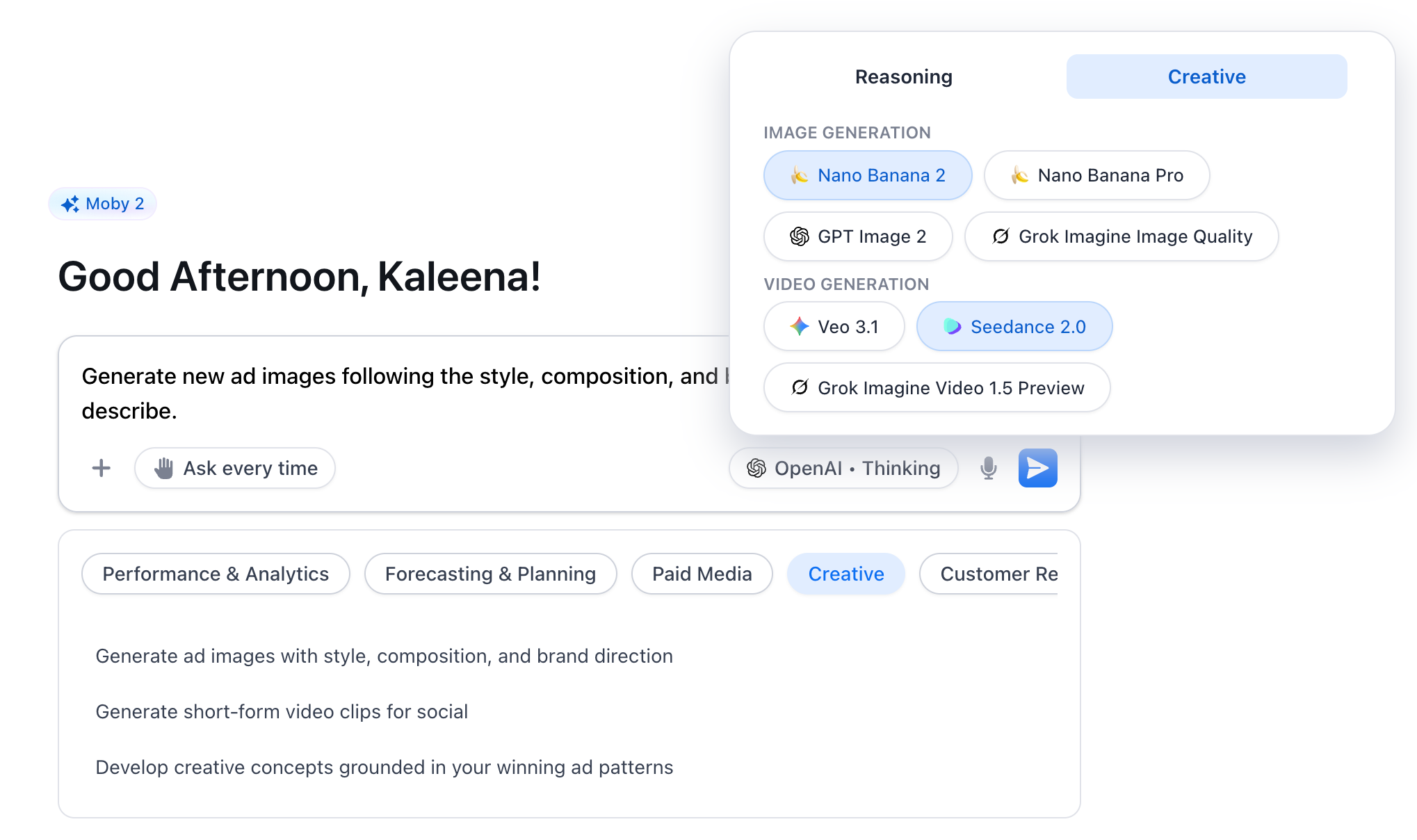
Here's a snapshot of what Triple Whale and Moby 2 can do out of the box:
Visit your live Shopify site page by page — product pages, collection pages, and checkout
Pull your 30-day conversion rate trend from Triple Pixel
Return your top 5 CRO fixes with recommendations and expected impact, prioritized by lift
Connect ad spend, attribution, and revenue data across every channel in one place
Skip the setup. Triple Whale centralizes your ecommerce data automatically. [See how it works →]
10 ecommerce AI workflow examples to try today
Here are 10 ecommerce AI workflows, along with swipeable example prompts. A note before you dive in: Workflows 1–5 are recurring automations — set them up once and they run on their own. Workflows 6–10 are on-demand analyses you run when you need them.
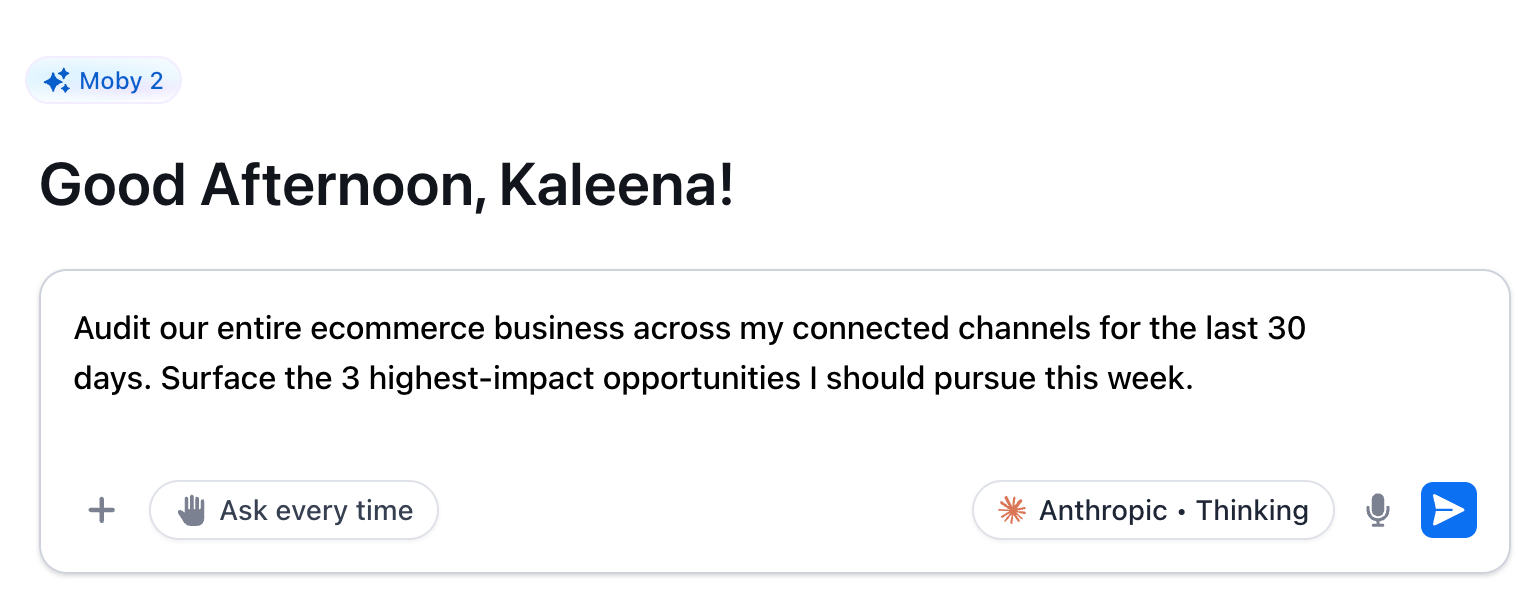
1. Audit your entire marketing stack
Get a full-picture view of every channel, measured against the same benchmark, in one shot. This workflow surfaces where your budget is going, what it's returning, and where the highest-impact opportunities are.
"Audit our entire ecommerce business across my connected channels for the last 30 days. Surface the 3 highest-impact opportunities I should pursue this week."
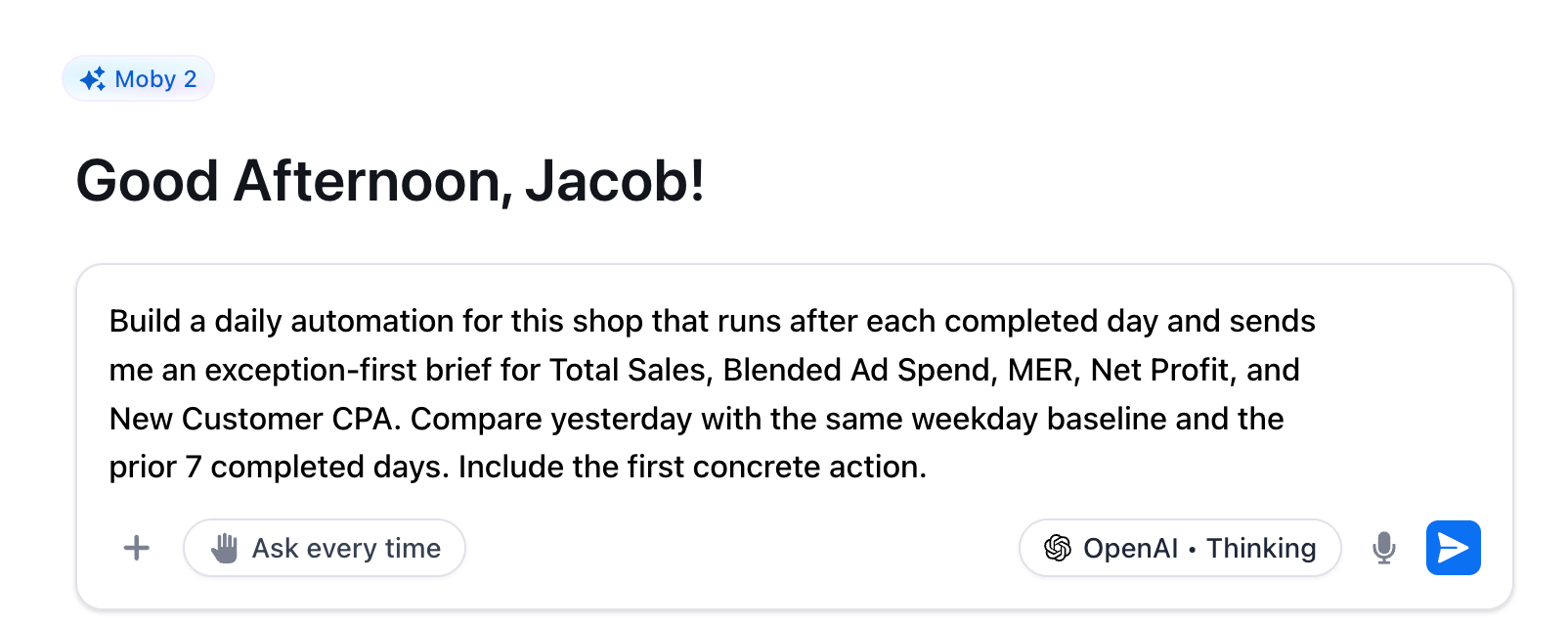
2. Automate daily performance reporting
Get an automated daily brief that runs after each completed day, escalates only what's materially changed, and tells you the first thing to do about it. No manual pulls. No dashboard hopping.
"Build a daily automation for this shop that runs after each completed day and sends me an exception-first brief for Total Sales, Blended Ad Spend, MER, Net Profit, and New Customer CPA. Compare yesterday with the same weekday baseline and the prior 7 completed days. Include the first concrete action."
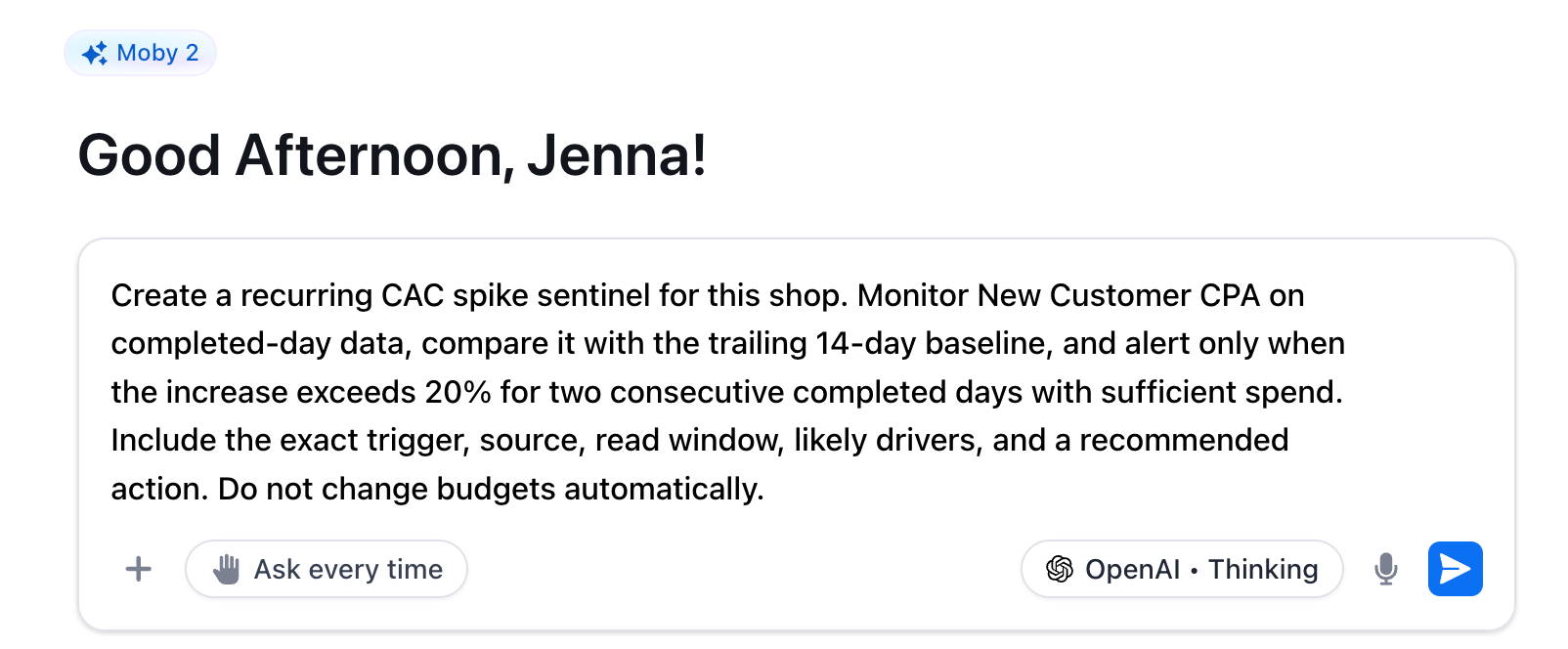
3. Monitor Customer Acquisition Cost (CAC) Spikes
A recurring monitor that watches your New Customer CPA daily, compares it against a trailing baseline, and alerts you only when the increase is real — two consecutive days above threshold, with enough spend to back it up. Catches CAC drift before it becomes a margin problem.
Darcy describes the value of this kind of back-and-forth with Moby: "Instead of cutting the budget, [Moby will say] let's do this instead — let's change the bidding or optimize the campaign. We kind of work together and have this back and forth dialogue, and we always see success with those changes."
"Create a recurring CAC spike sentinel for this shop. Monitor New Customer CPA on completed-day data, compare it with the trailing 14-day baseline, and alert only when the increase exceeds 20% for two consecutive completed days with sufficient spend. Include the exact trigger, source, read window, likely drivers, and a recommended action. Do not change budgets automatically."
4. Monitor Business Performance Anomalies
A broad-spectrum monitor across every core business metric — sales, spend, MER, net profit, CVR, AOV, and orders. Where the daily brief gives you a morning summary and the CAC sentinel watches one number, this catches the signals neither was specifically looking for, filtered for weekday seasonality so you only hear about it when it's real.
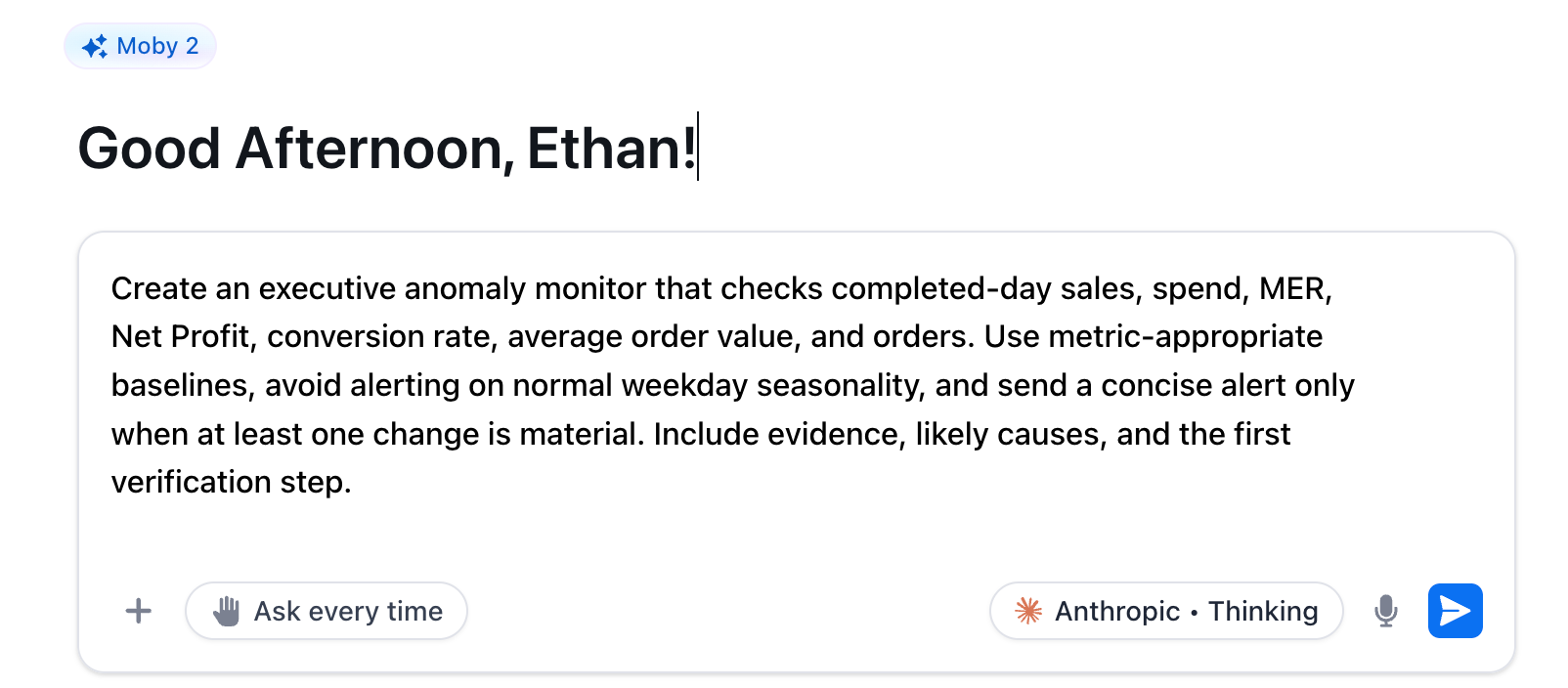
"Create an executive anomaly monitor that checks completed-day sales, spend, MER, Net Profit, conversion rate, average order value, and orders. Use metric-appropriate baselines, avoid alerting on normal weekday seasonality, and send a concise alert only when at least one change is material. Include evidence, likely causes, and the first verification step."
5. Monitor Inventory Risk and Stockouts
A daily automation that uses real sales velocity to flag products at risk of stocking out within 14 and 30 days — before it's too late to act. It separates high-confidence risks from incomplete data and estimates revenue exposure, so you know exactly what's at stake.
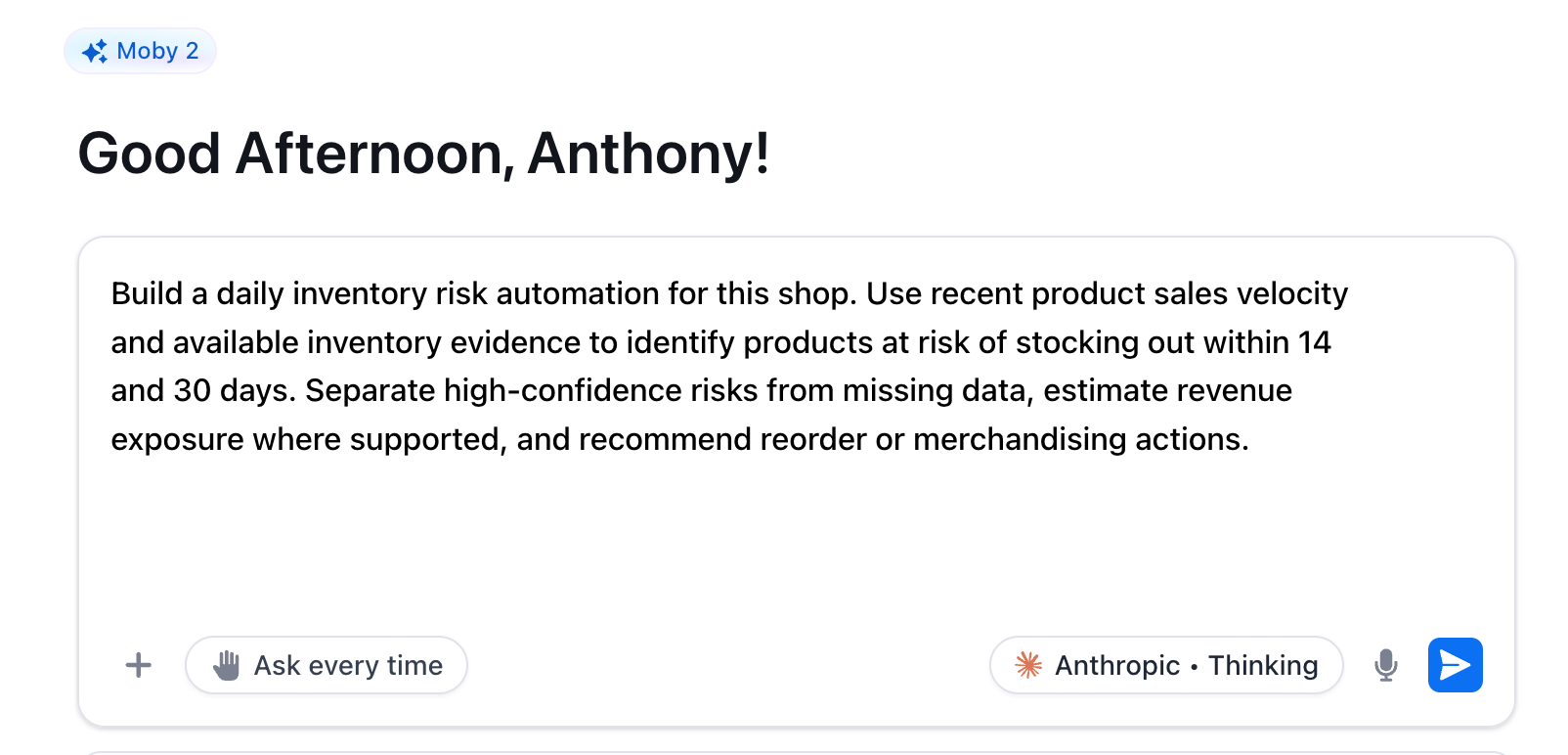
"Build a daily inventory risk automation for this shop. Use recent product sales velocity and available inventory evidence to identify products at risk of stocking out within 14 and 30 days. Separate high-confidence risks from missing data, estimate revenue exposure where supported, and recommend reorder or merchandising actions."
6. Analyze Creative Performance
A revenue-tied read on your actual creative performance — what's driving ROAS, what patterns the winners share, and what your team should make more of in the next sprint. Replaces gut feel and vanity metrics with something you can actually brief against.
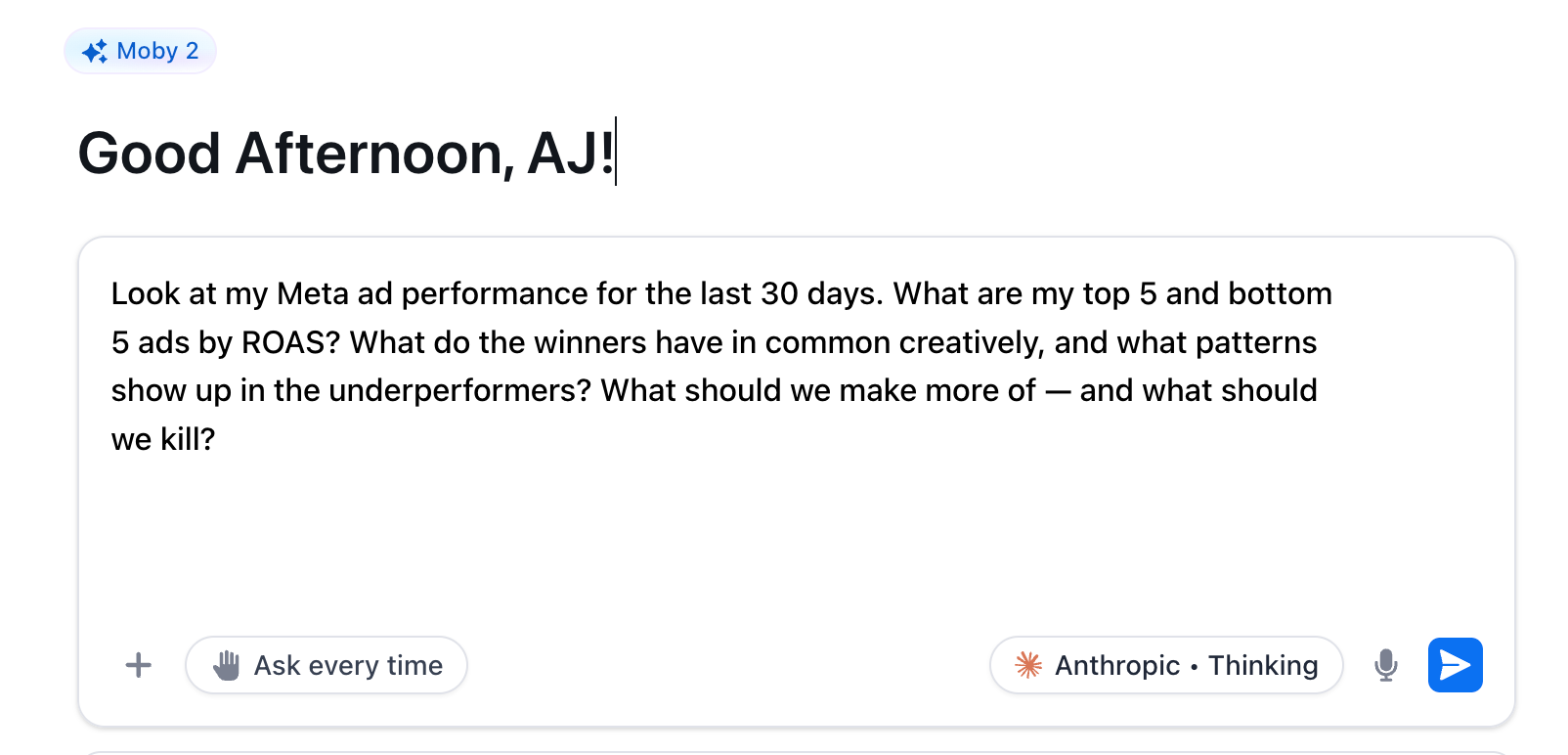
"Look at my Meta ad performance for the last 30 days. What are my top 5 and bottom 5 ads by ROAS? What do the winners have in common creatively, and what patterns show up in the underperformers? What should we make more of — and what should we kill?"
7. Optimize Your Website Conversion Rate
A live site audit crossed with real conversion data — your top 5 CRO fixes across product pages, collection pages, and checkout, ranked by expected lift. Specific to your store, not generic best practices pulled from a blog post.
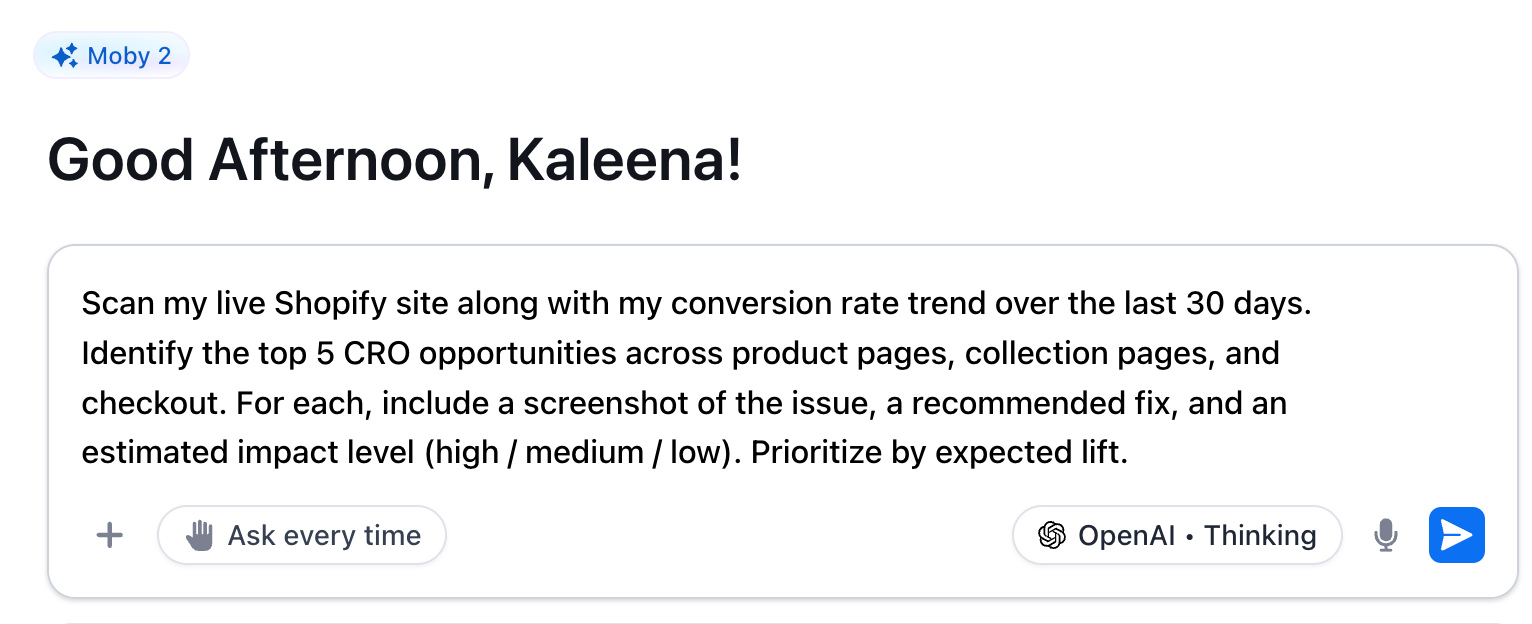
"Scan my live Shopify site along with my conversion rate trend over the last 30 days. Identify the top 5 CRO opportunities across product pages, collection pages, and checkout. For each, include a screenshot of the issue, a recommended fix, and an estimated impact level (high / medium / low). Prioritize by expected lift."
8. Analyze Customer Retention and Predict Churn Risk
A cohort-level look at repeat purchase rate, time-to-second-purchase, and LTV by acquisition channel — so you can see where retention is weakest and which segments are most at risk before they churn.
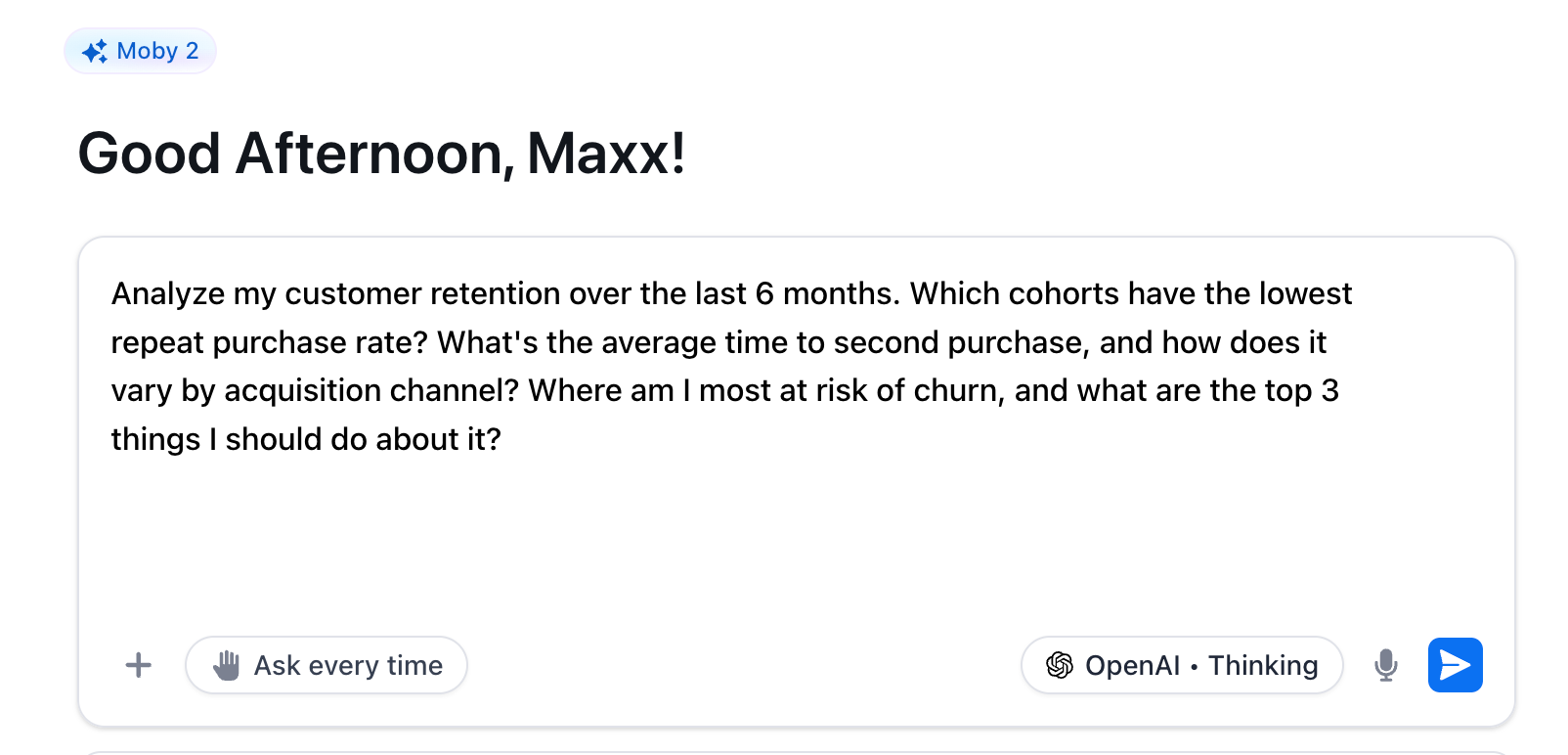
"Analyze my customer retention over the last 6 months. Which cohorts have the lowest repeat purchase rate? What's the average time to second purchase, and how does it vary by acquisition channel? Where am I most at risk of churn, and what are the top 3 things I should do about it?"
9. Generate Ad Copy Variations at Scale
Five ready-to-test ad copy variations generated from your own best-performing creative — each with a different hook angle, each grounded in what's already worked for your brand.
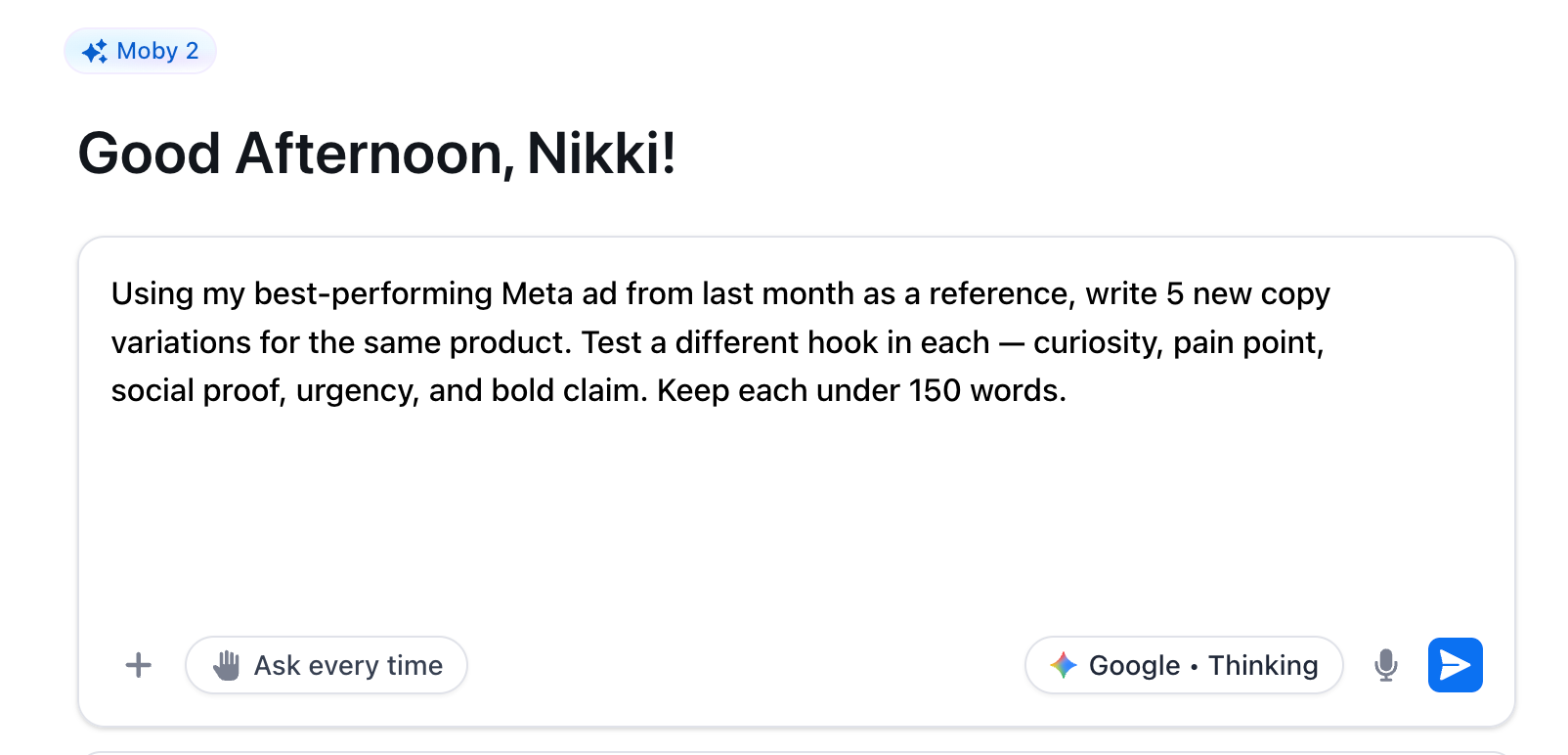
"Using my best-performing Meta ad from last month as a reference, write 5 new copy variations for the same product. Test a different hook in each — curiosity, pain point, social proof, urgency, and bold claim. Keep each under 150 words."
10. Evaluate and Plan New Channel Expansion
A data-driven evaluation of whether a new channel is worth entering — audience fit, competitive landscape, resource requirements, and a 90-day launch plan if the numbers support it.
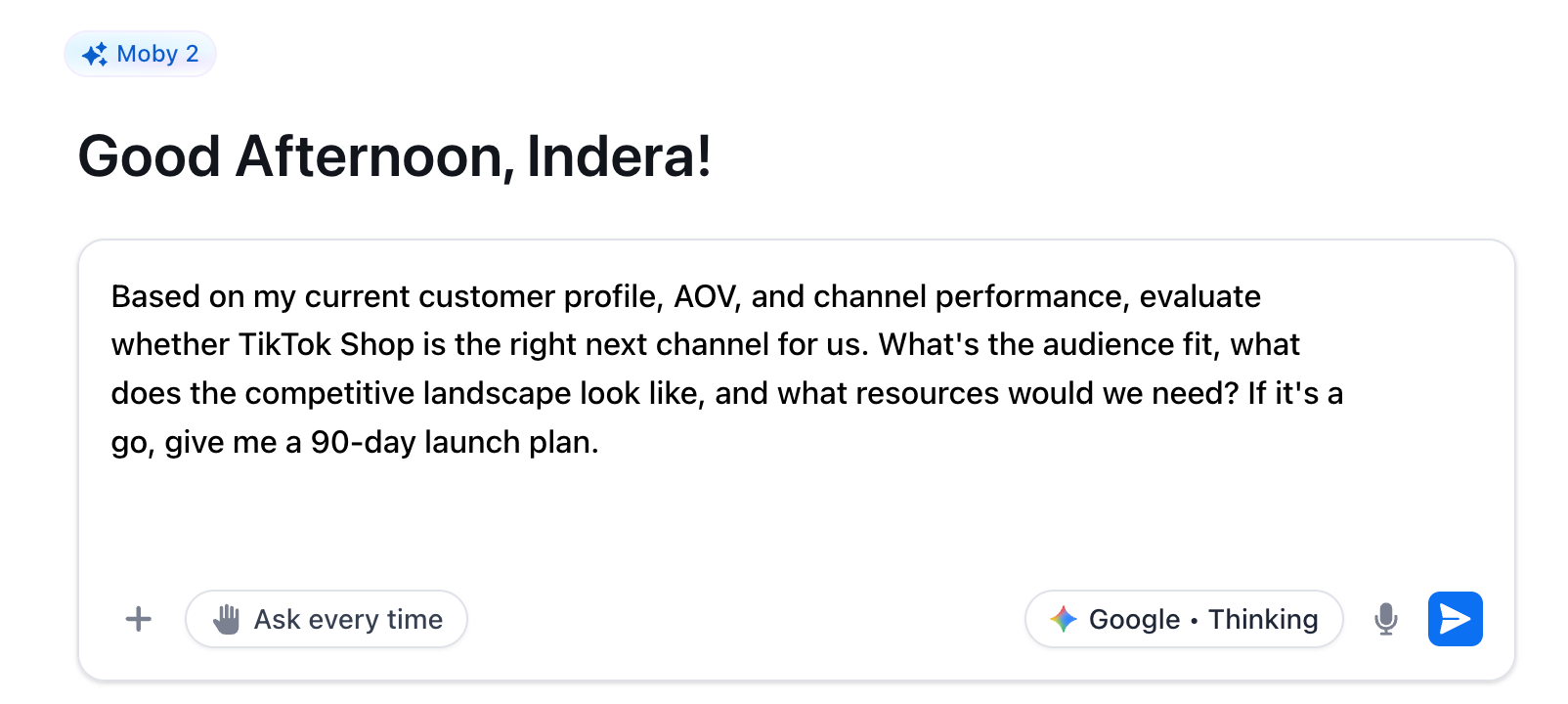
"Based on my current customer profile, AOV, and channel performance, evaluate whether TikTok Shop is the right next channel for us. What's the audience fit, what does the competitive landscape look like, and what resources would we need? If it's a go, give me a 90-day launch plan."
The challenges of AI automation and where to start
The instinct is to automate the biggest, flashiest thing first. Resist it.
Cano's framework is simpler: "Whatever that is in your business that you get energy from doing — start there. Everything else that you don't enjoy doing should absolutely be pushed over to AI."
Start with the work you dread. Automate the reporting, the monitoring, the alerts. Free up your brain for the calls only you can make.
The biggest mistake brands make is going passive — handing everything to AI and walking away. That's not a strategy. That's how you lose the wheel.
Velazquez keeps herself in the driver's seat by treating AI like a sparring partner, not a decision-maker. "I love to fight back with AI. I don't want to just take its recommendation and run with it," she says.
"My job is to be that strategist. And so what I'll do is I'll say, 'You know what, instead of cutting the budget, let's do this instead — let's change the bidding, let's optimize the campaign.' We kind of work together and have this back and forth dialogue, which we always see success with."
AI handles the repeat work. You handle the judgment. That's the balance.
That's only the beginning
There’s a big difference between "centralized data you feed to an AI" and "an AI that already lives inside your data." Moby 2 is Triple Whale's agentic AI, built specifically for ecommerce. It connects directly to your store, your ad platforms, and your attribution data — so every prompt in this post becomes a live question with a live answer.
Ready to see the other infinite things Moby can do? A 30-minute walkthrough with a Moby expert will show you how to audit creative, forecast revenue, automate reports, and ship work across your entire stack. Book a demo today.
Component Sales
5.32K
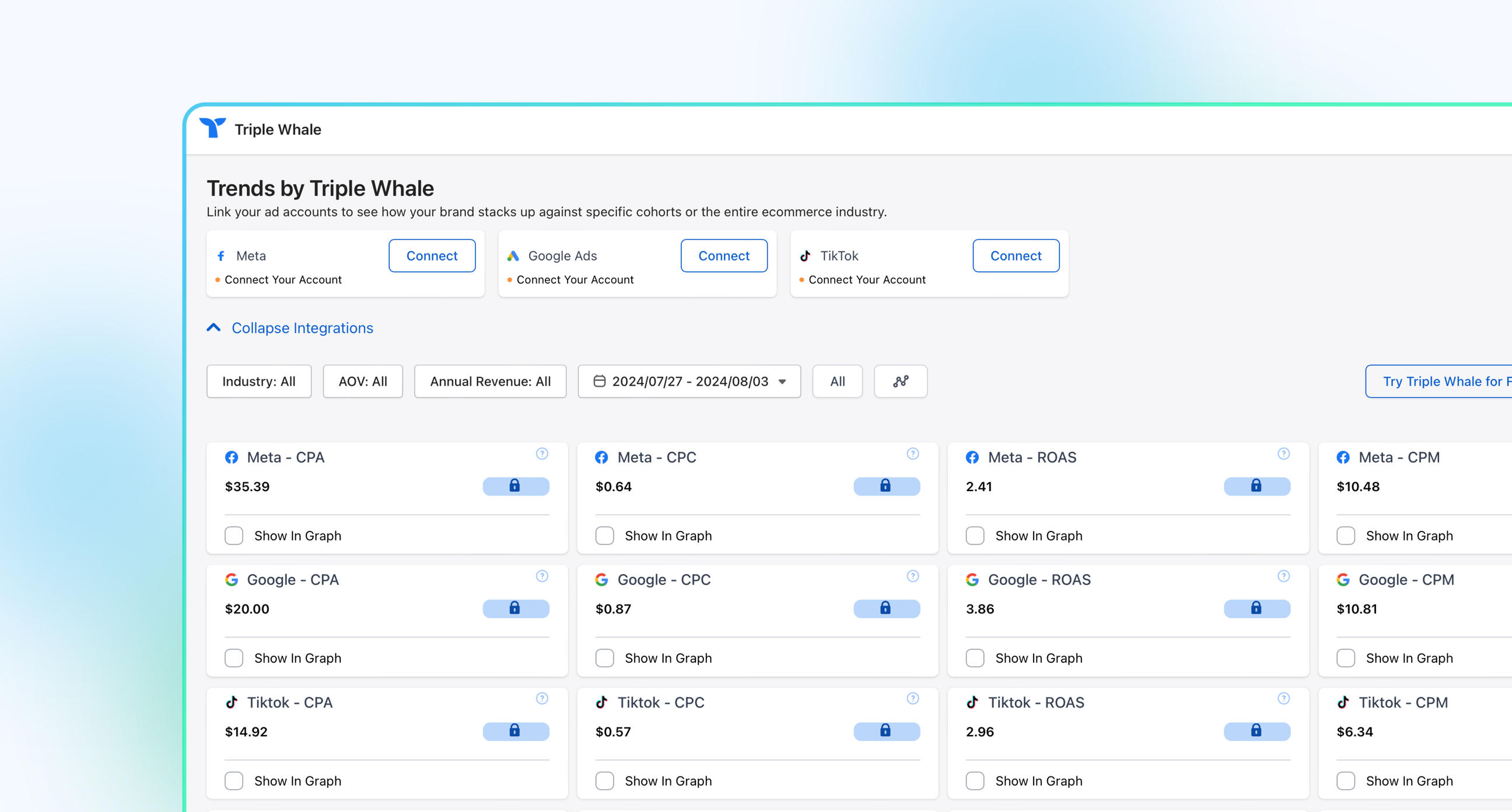
Benchmark your ecommerce brand against industry leaders
Let’s face it: Most ecommerce brands are still using AI like it’s a fancy search engine. Asking LLMs to write product descriptions or do competitor research.
It’s a good starting place, but if you want to use artificial intelligence to the fullest, it’s time to start using it for automations. These are workflows that replace hours of manual analysis, guesswork, and slow decision-making with fast action.
This post explores 10 AI automation workflows ecommerce teams can put to work today, along with plug-and-play prompts you can drop straight into an LLM.
Plus, you'll learn how a few leading ecommerce brands are already successfully using AI to automate key business processes.
Key Takeaways
AI automation helps ecommerce brands build workflows that handle data-heavy analysis and repetitive tasks, allowing them to focus more on scaling.
AI workflows are only as smart as the information it can access. Feed it a single source of truth and clear business context.
Triple Whale is an AI operating system with real-time data from your entire business, so you can build AI workflows that are truly connected to your goals.
What ecommerce tasks can AI automate?
AI can automate repetitive, rule-based, and even data-heavy tasks, as well as routine content generation. This allows ecommerce brands to eliminate busywork, and make data-driven decisions that scale their brand.
AI can take on a variety of ecommerce tasks either without human input or with human-in-the-loop, including:
Customer support (ticket routing, response drafting)
Darcy Velazquez, Senior Paid Growth Strategist at Whitelabeled Agency, says AI workflows have “actually streamlined my day-to-day completely.” She notes it's made everything much easier and much quicker. “It's really given me time back to act as my strategist-self,” she adds.
How to get started with ecommerce AI workflows
According to The Cost of Marketing Decision Paralysis in Ecommerce, 20% of marketers cite data integrity as the biggest barrier to AI adoption — and tool sprawl isn't helping. Teams running 6-10 tools in their stack are twice as likely to hit daily data discrepancies as those using 3-5.
If your performance data lives across six different platforms — Meta Ads Manager, Shopify, Klaviyo, Google Analytics, TikTok, etc. — you'll spend more time copying and formatting numbers than actually acting on them.
But data is only half of it. The other half is context. Bryan Cano, founder at Tempo, says that in his experience, “none of these tools out of the box are going to have the information that is in your head and the nuance it needs."
He suggests that before you start prompting to first “hand your AI the things it can't pull from a dashboard — your goals, your SOPs, your methodology, notes from recent strategy meetings. The more business context it has, the more useful every answer becomes.”
To execute that, you’ll need either:
A structured export habit — consistent naming, consistent date ranges, one source of truth per metric.
A centralized analytics platform that connects your ad spend, revenue, and customer data.
Cano explains the advantage: "Anyone can log into Triple Whale and skip the steps of trying to organize and set up the context,” he says. “Whenever I'm getting responses back, they are aligned with all the information of the business that I'm working on."
Darcy Velazquez, Senior Paid Growth Strategist at Whitelabeled Agency, takes it one step further by adding in the stakeholder’s goals for the business. She calls it a “hard floor,” telling Moby to “make sure that everything you're doing moving forward is optimizing toward this one goal and nothing else.” She adds that if goals are falling short, she asks Moby what they “need to do to hit it and get back on track."
Here's a snapshot of what Triple Whale and Moby 2 can do out of the box:
Visit your live Shopify site page by page — product pages, collection pages, and checkout
Pull your 30-day conversion rate trend from Triple Pixel
Return your top 5 CRO fixes with recommendations and expected impact, prioritized by lift
Connect ad spend, attribution, and revenue data across every channel in one place
Skip the setup. Triple Whale centralizes your ecommerce data automatically. [See how it works →]
10 ecommerce AI workflow examples to try today
Here are 10 ecommerce AI workflows, along with swipeable example prompts. A note before you dive in: Workflows 1–5 are recurring automations — set them up once and they run on their own. Workflows 6–10 are on-demand analyses you run when you need them.
1. Audit your entire marketing stack
Get a full-picture view of every channel, measured against the same benchmark, in one shot. This workflow surfaces where your budget is going, what it's returning, and where the highest-impact opportunities are.
"Audit our entire ecommerce business across my connected channels for the last 30 days. Surface the 3 highest-impact opportunities I should pursue this week."
2. Automate daily performance reporting
Get an automated daily brief that runs after each completed day, escalates only what's materially changed, and tells you the first thing to do about it. No manual pulls. No dashboard hopping.
"Build a daily automation for this shop that runs after each completed day and sends me an exception-first brief for Total Sales, Blended Ad Spend, MER, Net Profit, and New Customer CPA. Compare yesterday with the same weekday baseline and the prior 7 completed days. Include the first concrete action."
3. Monitor Customer Acquisition Cost (CAC) Spikes
A recurring monitor that watches your New Customer CPA daily, compares it against a trailing baseline, and alerts you only when the increase is real — two consecutive days above threshold, with enough spend to back it up. Catches CAC drift before it becomes a margin problem.
Darcy describes the value of this kind of back-and-forth with Moby: "Instead of cutting the budget, [Moby will say] let's do this instead — let's change the bidding or optimize the campaign. We kind of work together and have this back and forth dialogue, and we always see success with those changes."
"Create a recurring CAC spike sentinel for this shop. Monitor New Customer CPA on completed-day data, compare it with the trailing 14-day baseline, and alert only when the increase exceeds 20% for two consecutive completed days with sufficient spend. Include the exact trigger, source, read window, likely drivers, and a recommended action. Do not change budgets automatically."
4. Monitor Business Performance Anomalies
A broad-spectrum monitor across every core business metric — sales, spend, MER, net profit, CVR, AOV, and orders. Where the daily brief gives you a morning summary and the CAC sentinel watches one number, this catches the signals neither was specifically looking for, filtered for weekday seasonality so you only hear about it when it's real.
"Create an executive anomaly monitor that checks completed-day sales, spend, MER, Net Profit, conversion rate, average order value, and orders. Use metric-appropriate baselines, avoid alerting on normal weekday seasonality, and send a concise alert only when at least one change is material. Include evidence, likely causes, and the first verification step."
5. Monitor Inventory Risk and Stockouts
A daily automation that uses real sales velocity to flag products at risk of stocking out within 14 and 30 days — before it's too late to act. It separates high-confidence risks from incomplete data and estimates revenue exposure, so you know exactly what's at stake.
"Build a daily inventory risk automation for this shop. Use recent product sales velocity and available inventory evidence to identify products at risk of stocking out within 14 and 30 days. Separate high-confidence risks from missing data, estimate revenue exposure where supported, and recommend reorder or merchandising actions."
6. Analyze Creative Performance
A revenue-tied read on your actual creative performance — what's driving ROAS, what patterns the winners share, and what your team should make more of in the next sprint. Replaces gut feel and vanity metrics with something you can actually brief against.
"Look at my Meta ad performance for the last 30 days. What are my top 5 and bottom 5 ads by ROAS? What do the winners have in common creatively, and what patterns show up in the underperformers? What should we make more of — and what should we kill?"
7. Optimize Your Website Conversion Rate
A live site audit crossed with real conversion data — your top 5 CRO fixes across product pages, collection pages, and checkout, ranked by expected lift. Specific to your store, not generic best practices pulled from a blog post.
"Scan my live Shopify site along with my conversion rate trend over the last 30 days. Identify the top 5 CRO opportunities across product pages, collection pages, and checkout. For each, include a screenshot of the issue, a recommended fix, and an estimated impact level (high / medium / low). Prioritize by expected lift."
8. Analyze Customer Retention and Predict Churn Risk
A cohort-level look at repeat purchase rate, time-to-second-purchase, and LTV by acquisition channel — so you can see where retention is weakest and which segments are most at risk before they churn.
"Analyze my customer retention over the last 6 months. Which cohorts have the lowest repeat purchase rate? What's the average time to second purchase, and how does it vary by acquisition channel? Where am I most at risk of churn, and what are the top 3 things I should do about it?"
9. Generate Ad Copy Variations at Scale
Five ready-to-test ad copy variations generated from your own best-performing creative — each with a different hook angle, each grounded in what's already worked for your brand.
"Using my best-performing Meta ad from last month as a reference, write 5 new copy variations for the same product. Test a different hook in each — curiosity, pain point, social proof, urgency, and bold claim. Keep each under 150 words."
10. Evaluate and Plan New Channel Expansion
A data-driven evaluation of whether a new channel is worth entering — audience fit, competitive landscape, resource requirements, and a 90-day launch plan if the numbers support it.
"Based on my current customer profile, AOV, and channel performance, evaluate whether TikTok Shop is the right next channel for us. What's the audience fit, what does the competitive landscape look like, and what resources would we need? If it's a go, give me a 90-day launch plan."
The challenges of AI automation and where to start
The instinct is to automate the biggest, flashiest thing first. Resist it.
Cano's framework is simpler: "Whatever that is in your business that you get energy from doing — start there. Everything else that you don't enjoy doing should absolutely be pushed over to AI."
Start with the work you dread. Automate the reporting, the monitoring, the alerts. Free up your brain for the calls only you can make.
The biggest mistake brands make is going passive — handing everything to AI and walking away. That's not a strategy. That's how you lose the wheel.
Velazquez keeps herself in the driver's seat by treating AI like a sparring partner, not a decision-maker. "I love to fight back with AI. I don't want to just take its recommendation and run with it," she says.
"My job is to be that strategist. And so what I'll do is I'll say, 'You know what, instead of cutting the budget, let's do this instead — let's change the bidding, let's optimize the campaign.' We kind of work together and have this back and forth dialogue, which we always see success with."
AI handles the repeat work. You handle the judgment. That's the balance.
That's only the beginning
There’s a big difference between "centralized data you feed to an AI" and "an AI that already lives inside your data." Moby 2 is Triple Whale's agentic AI, built specifically for ecommerce. It connects directly to your store, your ad platforms, and your attribution data — so every prompt in this post becomes a live question with a live answer.
Ready to see the other infinite things Moby can do? A 30-minute walkthrough with a Moby expert will show you how to audit creative, forecast revenue, automate reports, and ship work across your entire stack. Book a demo today.
Share
Kaleena Stroud
Kaleena Stroud is a copywriter for SaaS and DTC businesses.
Kaleena Stroud
Kaleena Stroud is a content writer at Triple Whale, bringing data stories to life. She spent many years running an online copywriting business, where she helped brands launch and revamp their Shopify stores. Her work has been featured in Practical Ecommerce, Convert, and Create & Cultivate.
Body Copy: The following benchmarks compare advertising metrics from April 1-17 to the previous period. Considering President Trump first unveiled his tariffs on April 2, the timing corresponds with potential changes in advertising behavior among ecommerce brands (though it isn’t necessarily correlated).


 Moby AIAsk questions, analyze performance, and work with your business context.
 ActionsTake governed action across the tools that run your business.
 AutomationsSchedule recurring analysis and work that runs on your terms.
 Landing PagesCreative conversion-focused ecommerce pages with Moby.
 Creative StudioGenerate and refine creative grounded in your brand.


.png)







.webp)

.webp)
